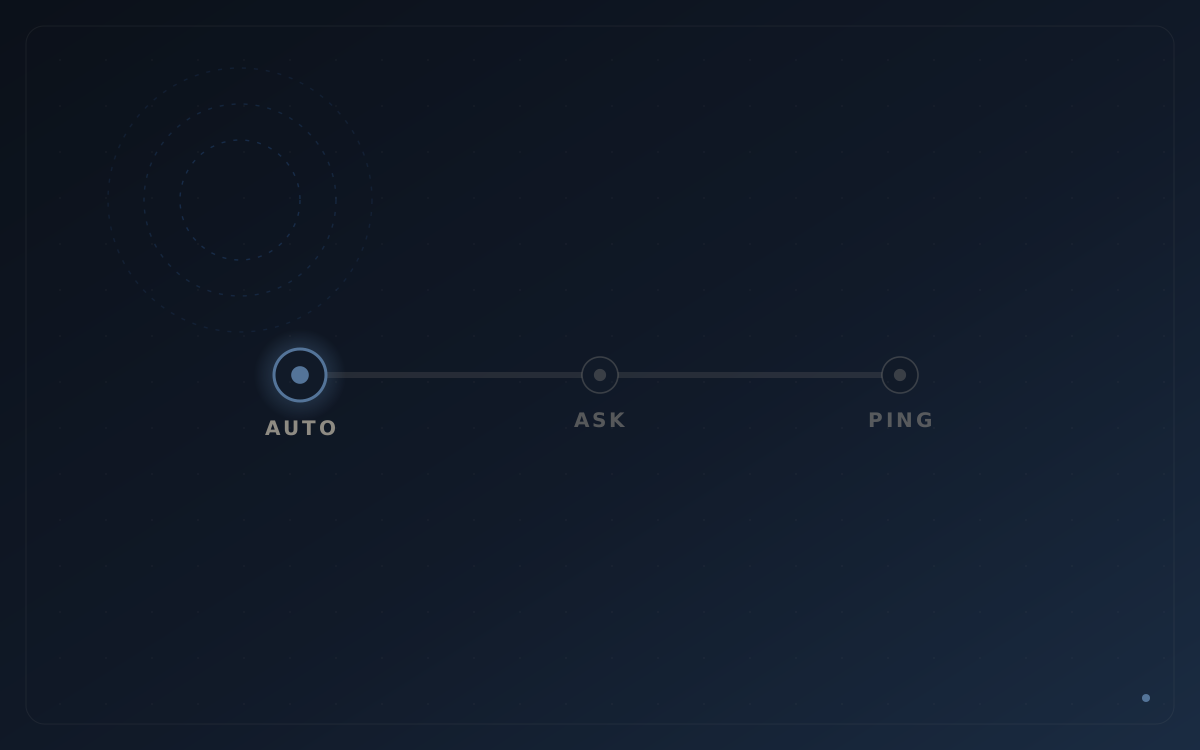
Auto / Ask / Ping: how much autonomy should an AI worker have?
Reviewed and updated
 Playbook · Autonomy
The question every team asks about an AI worker isn't "can it do the job?" It's "what happens when it's wrong?" That fear is reasonable — and it's usually the thing that stalls an otherwise obvious rollout. The fix isn't more faith. It's a control model.
Autonomy is a dial, not a switch
Most AI tools present a binary: it's either on and running your business, or it's off and you're doing everything by hand. That framing is why so many pilots die. Real work isn't binary. Sending a first-touch email is low-stakes and high-volume; approving a discount or firing off a legal-sounding promise is not. Those should not carry the same level of trust on day one.
So don't set autonomy for "the AI." Set it per workflow. Culvion uses three modes — Auto, Ask, and Ping — and you assign one to each thing the worker does.
The three modes
Auto — act, then log it
The worker performs an approved action and records what it did. Auto can suit repeatable, low-regret motions such as logging a supported call outcome or updating a configured lead field. Enrichment, email and other actions should only be enabled when they are included in the implementation, tested and reversible.
Ask — propose, wait for a yes
The worker prepares the action and holds it for your approval. Use Ask for the moments that carry real weight: a pricing exception, a high-value account's outreach, anything that commits the company to something. You still get the speed of a drafted, ready-to-go action — you just keep the final click.
Ping — just tell me
The worker doesn't act and doesn't wait; it flags something for a human and moves on. Use Ping for signals that need a person's judgment but not a gate: a deal going quiet, a frustrated reply, an unusual buying signal. It's the difference between an assistant that interrupts you constantly and one that knows what's worth your attention.
How to choose the mode for a workflow
Two questions settle almost every case:
- How reversible is a mistake? Cheap and reversible leans Auto. Expensive or public leans Ask.
- How often does it happen? High-frequency work is where automation pays — and where approving each one by hand would defeat the purpose. High-frequency + low-regret is the sweet spot for Auto.
A useful rule of thumb: start new workflows in Ask, watch the proposals for a week, and promote the ones you keep approving to Auto. You're not gambling on trust — you're earning it with evidence.
For teams formalising this into policy, the NIST AI Risk Management Framework provides a useful wider framework for governing and measuring trustworthy AI.
Why this beats "human in the loop" as a slogan
"Human in the loop" sounds safe, but if a human has to touch every action, you haven't automated anything — you've added a review queue. The point of Auto / Ask / Ping is to put the human in the loop only where the human adds value, and get out of the way everywhere else. That's what makes the difference between a demo and a system your team actually runs on.
How Culvion implements it
Culvion's published Voice and Lead Management foundation can place configured call outcomes and lead updates on One Record™. Auto / Ask / Ping is applied only to supported actions in the agreed workflow. Email, enrichment and other modules are early-access or scoped capabilities and should not be treated as active until confirmed in the product-status matrix.
The takeaway: don't ask whether to trust the AI. Decide, per workflow, how reversible a mistake is — then let the low-regret work run on Auto and reserve your attention for the moments that matter. Book a demo to map Auto / Ask / Ping onto your motion, or explore the AI Team.